

TPU & Flexible Filament
Featured Products
Available for delivery
No store selected
Available for delivery
No store selected
Available for delivery
No store selected
Available for delivery
No store selected
Available for delivery
No store selected
Available for delivery
No store selected
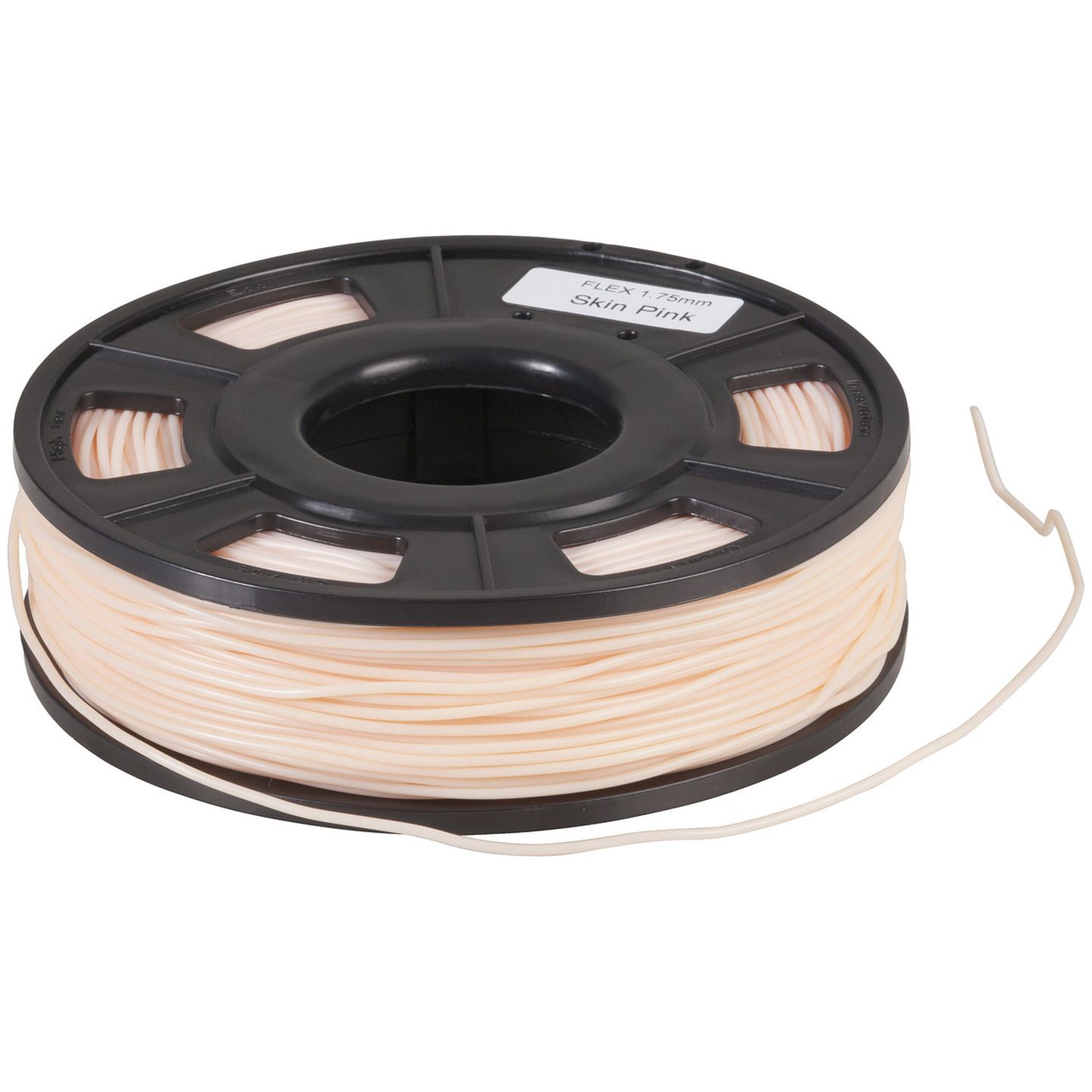
Flexible PLA Filament 250g 1.75mm
CAT.NO: TL4136
Available for delivery
No store selected
Available for delivery
No store selected
Available for delivery
No store selected
Available for delivery
No store selected
TPU Flexible 3D Printing Filament at Jaycar
Prints That Bend Without Breaking
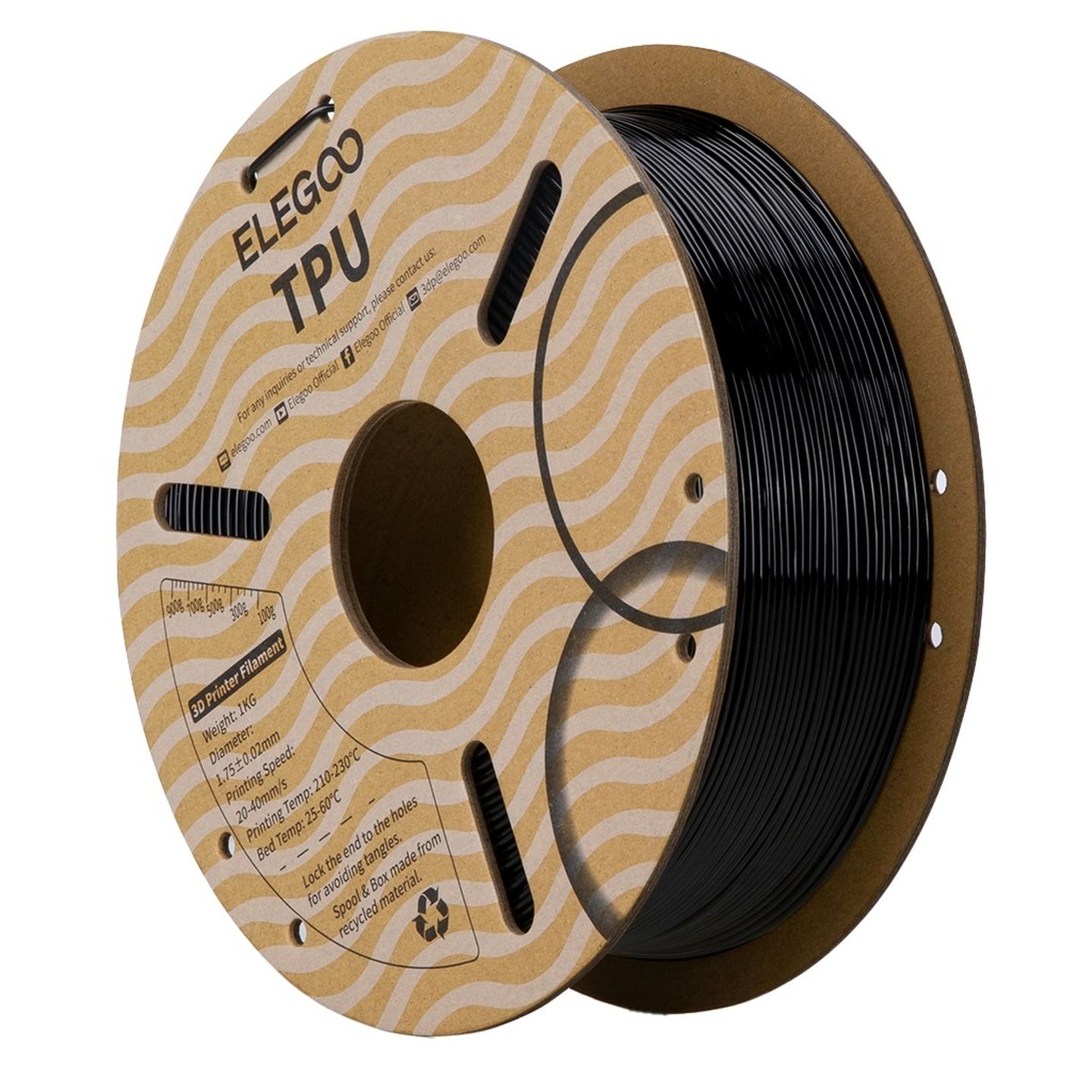
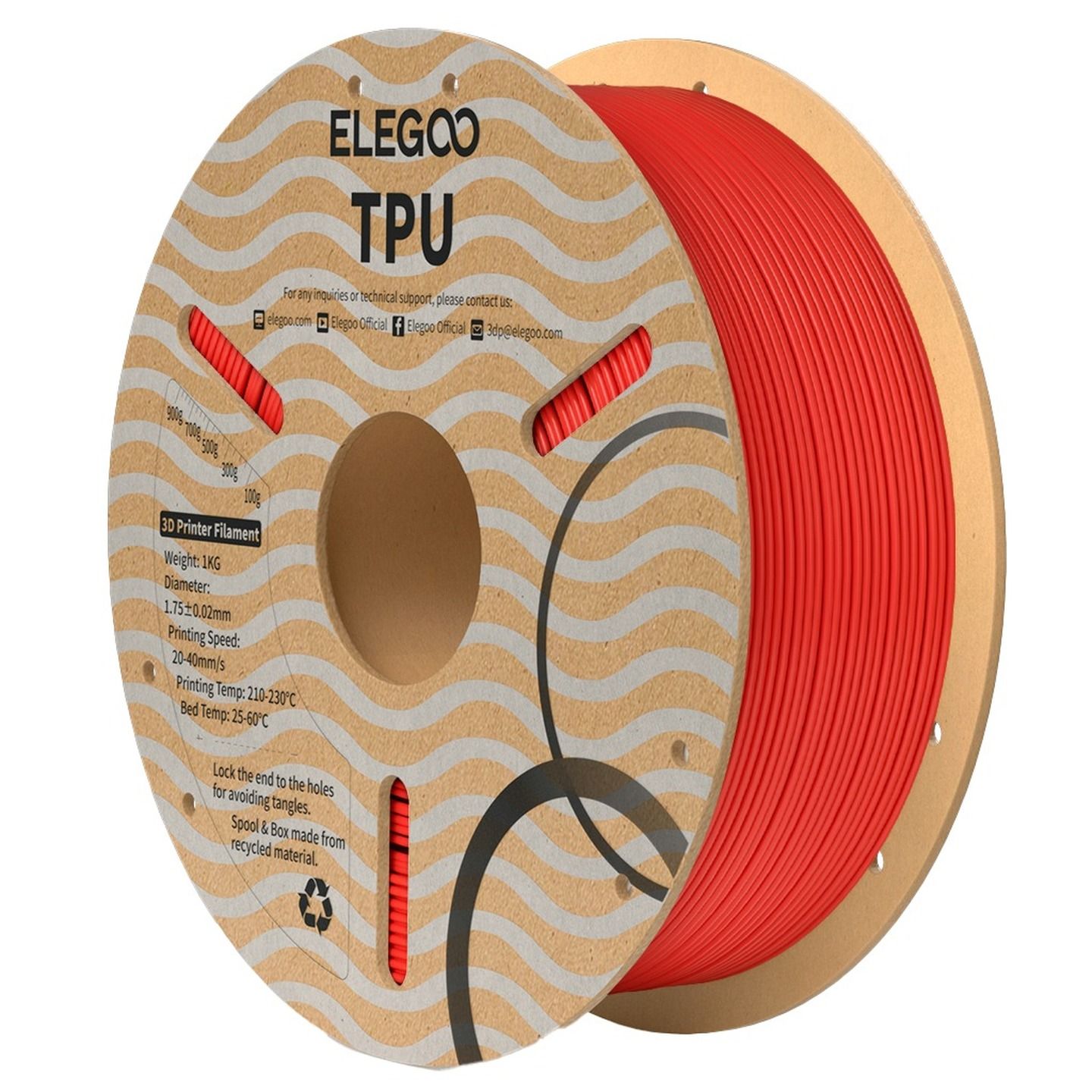
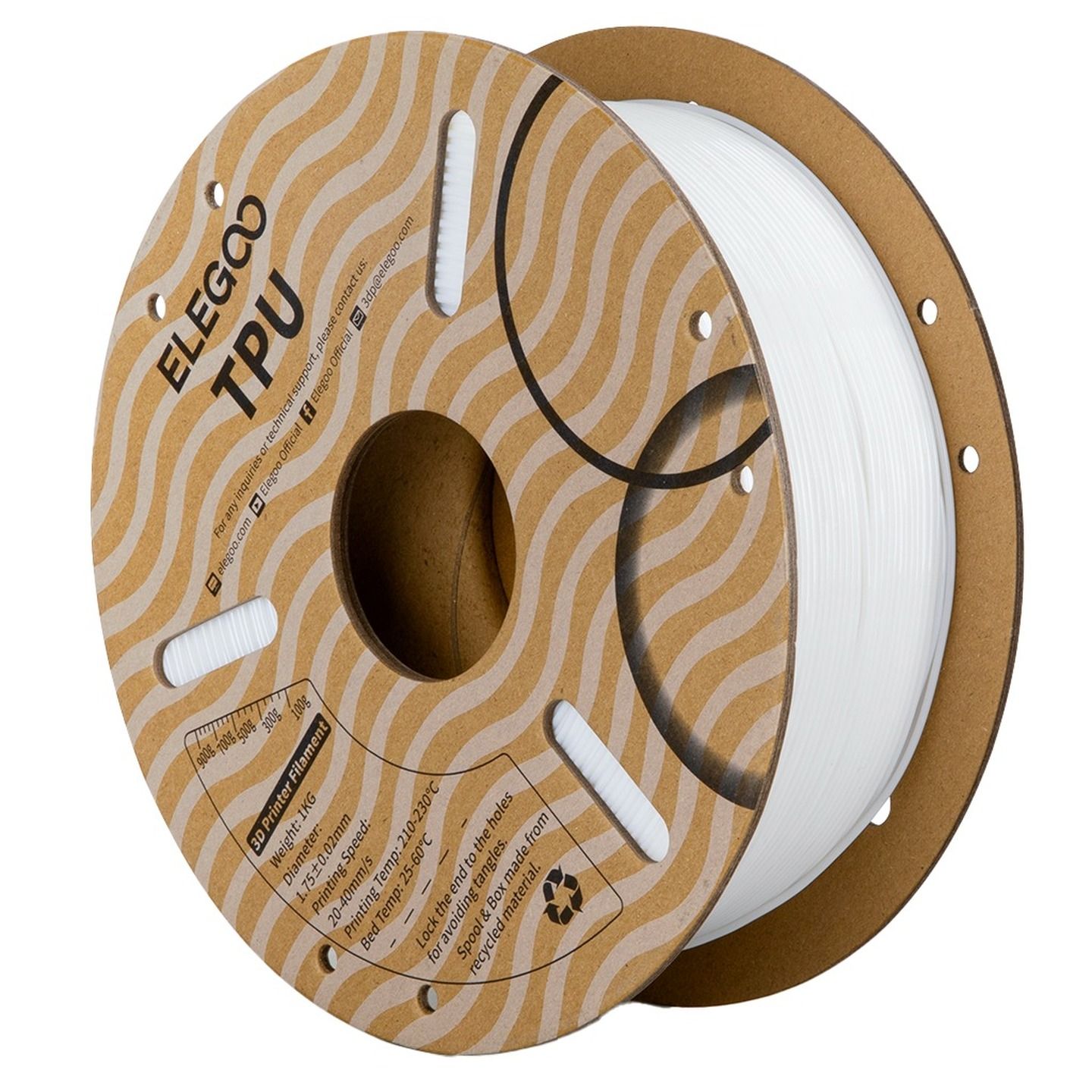
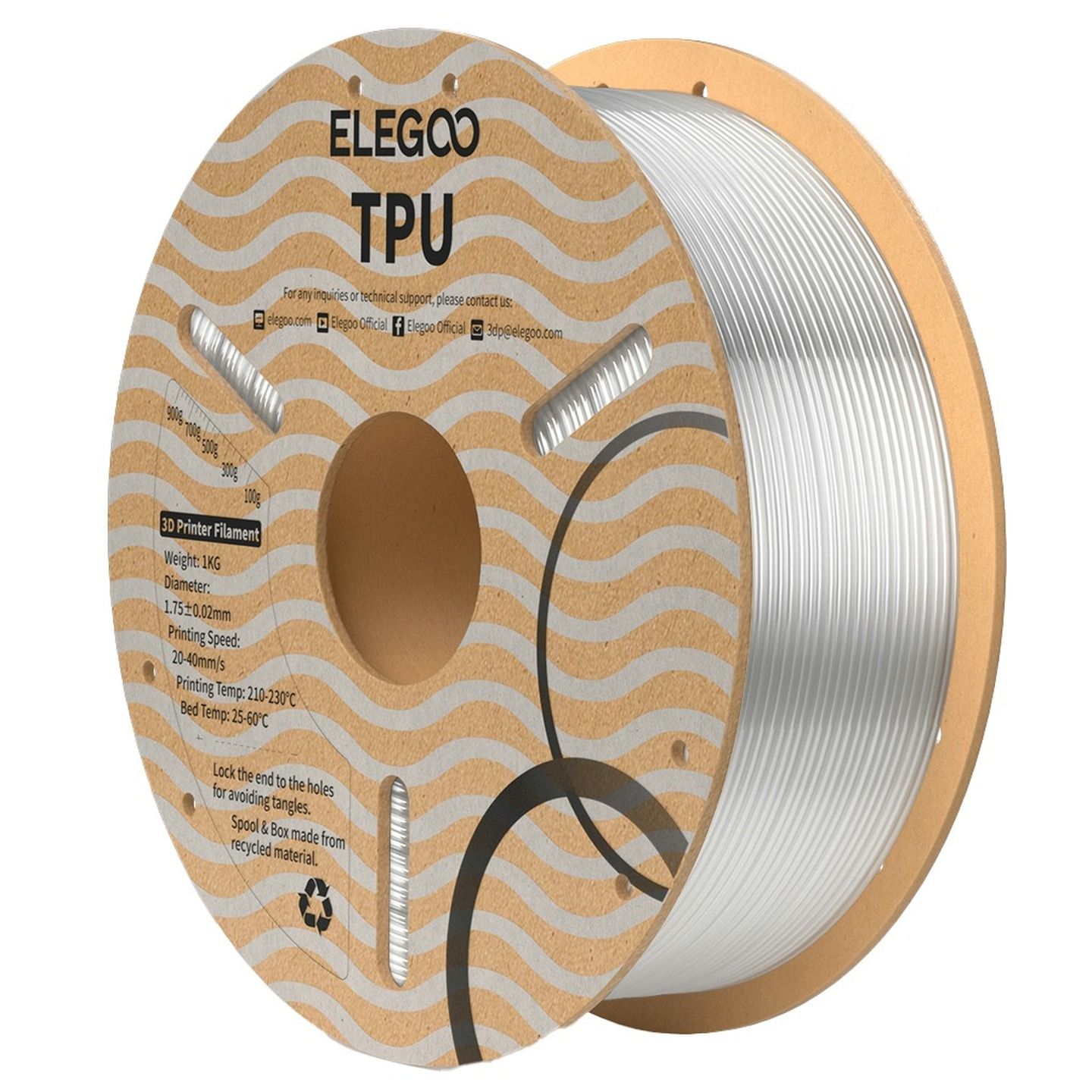
Most FDM 3D printers are all about making things rigid. TPU flips that entirely. If you’ve been printing with PLA and PETG and wondered what it would take to print something that actually flexes, grips, or absorbs impact - this is the filament. It's one of our favourites, and once you print your first successful TPU part, you'll start seeing uses for it everywhere.
What is TPU Filament?
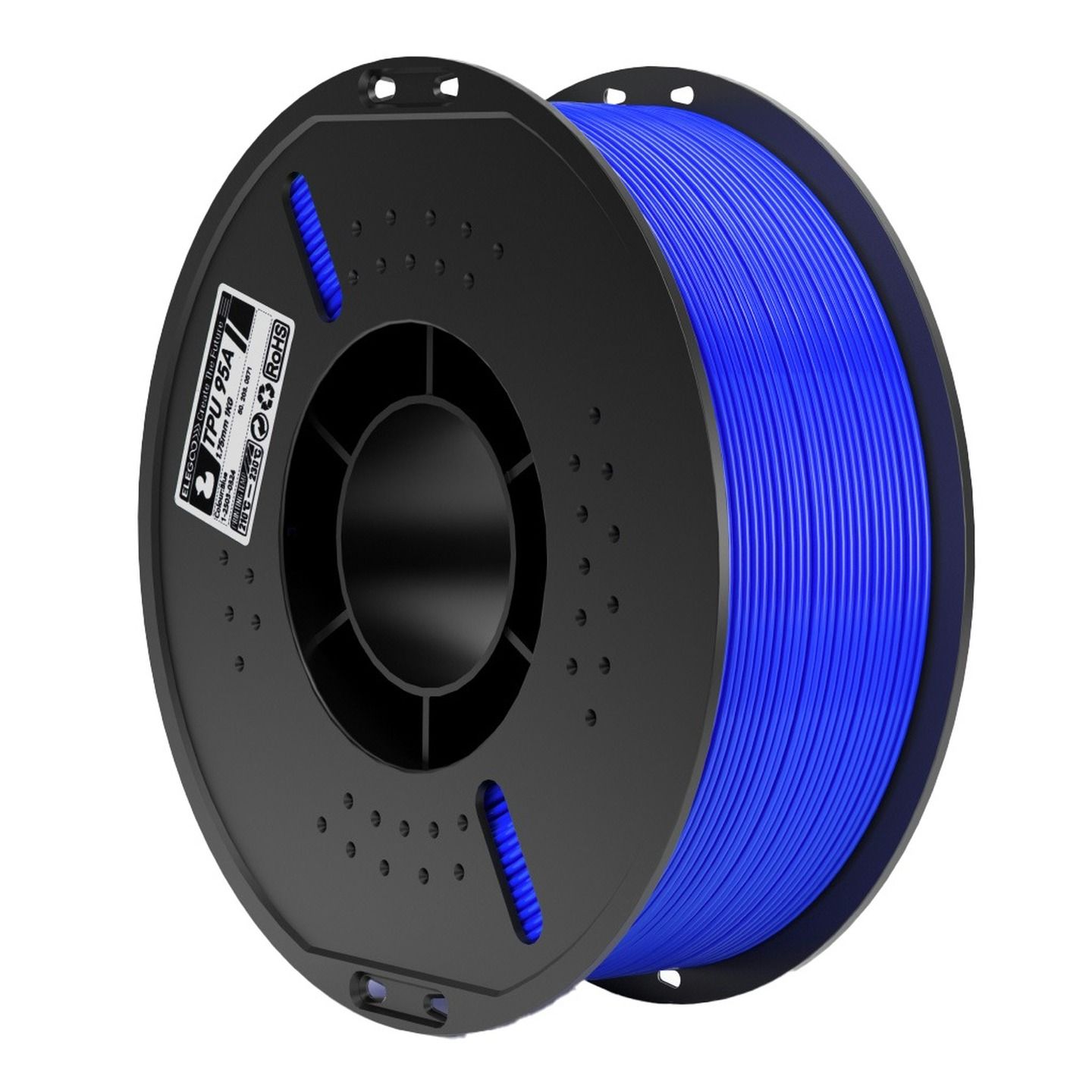
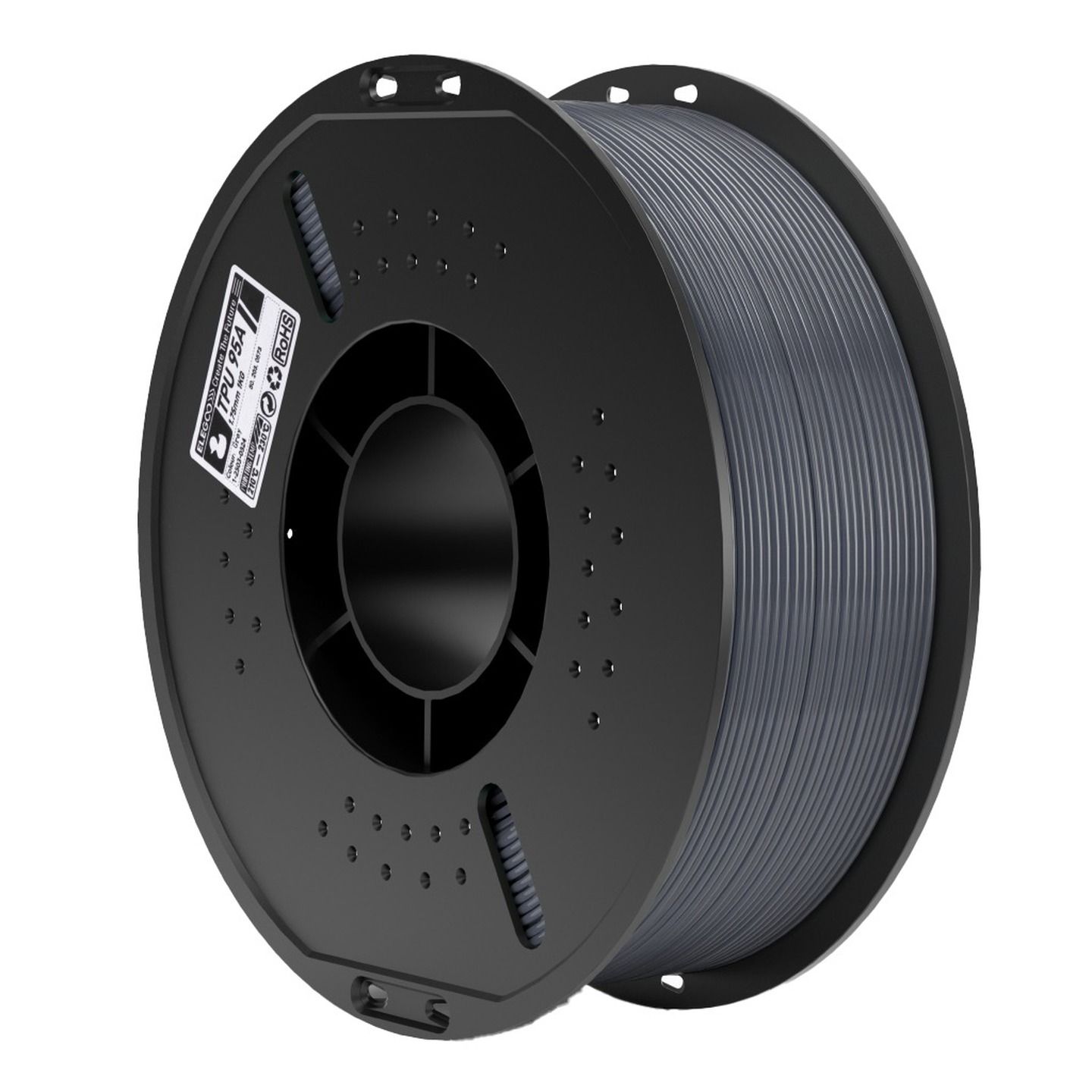
TPU (Thermoplastic Polyurethane) is a flexible, impact-resistant filament that sits somewhere between hard plastic and rubber. What makes it genuinely interesting is that you control the hardness - not by changing the material, but by changing how you print it. More wall layers and denser infill produces a stiffer result. Fewer walls and sparse infill gives you something that compresses and bounces back. The same spool can produce very different outcomes depending on your slicer settings.
TPU is durable, abrasion-resistant, and handles impacts that would crack a PLA or PETG print outright. It also has decent chemical and UV resistance, which makes it useful for parts that see real-world conditions. Some formulations even carry antibacterial properties, which opens up applications in medical accessories, food-contact parts, and protective gear.
What is Shore Hardness?
Shore hardness is the industry-standard way of measuring how soft or rigid a rubber-like material is - essentially a scale for how much resistance it puts up when you push into it. For TPU, this rating tells you two things: how flexible the finished print will be, and how easy the filament is to feed through your extruder.
TPU filaments are rated on either the Shore A or Shore D scale. Shore A covers the softer end - common ratings you'll see are 85A (very flexible, almost rubbery), 90A, 95A, and 98A (firmer, but still has give). Shore D takes over at the harder end, with ratings like 64D and 70D producing prints that feel more like a hard plastic but still have some flex compared to PLA or PETG.
As a general guide: the lower the number, the softer and more flexible the print - and the more patience your extruder will need. Softer grades like 85A require slower print speeds and work best with a direct drive setup.
What is TPU Good For?
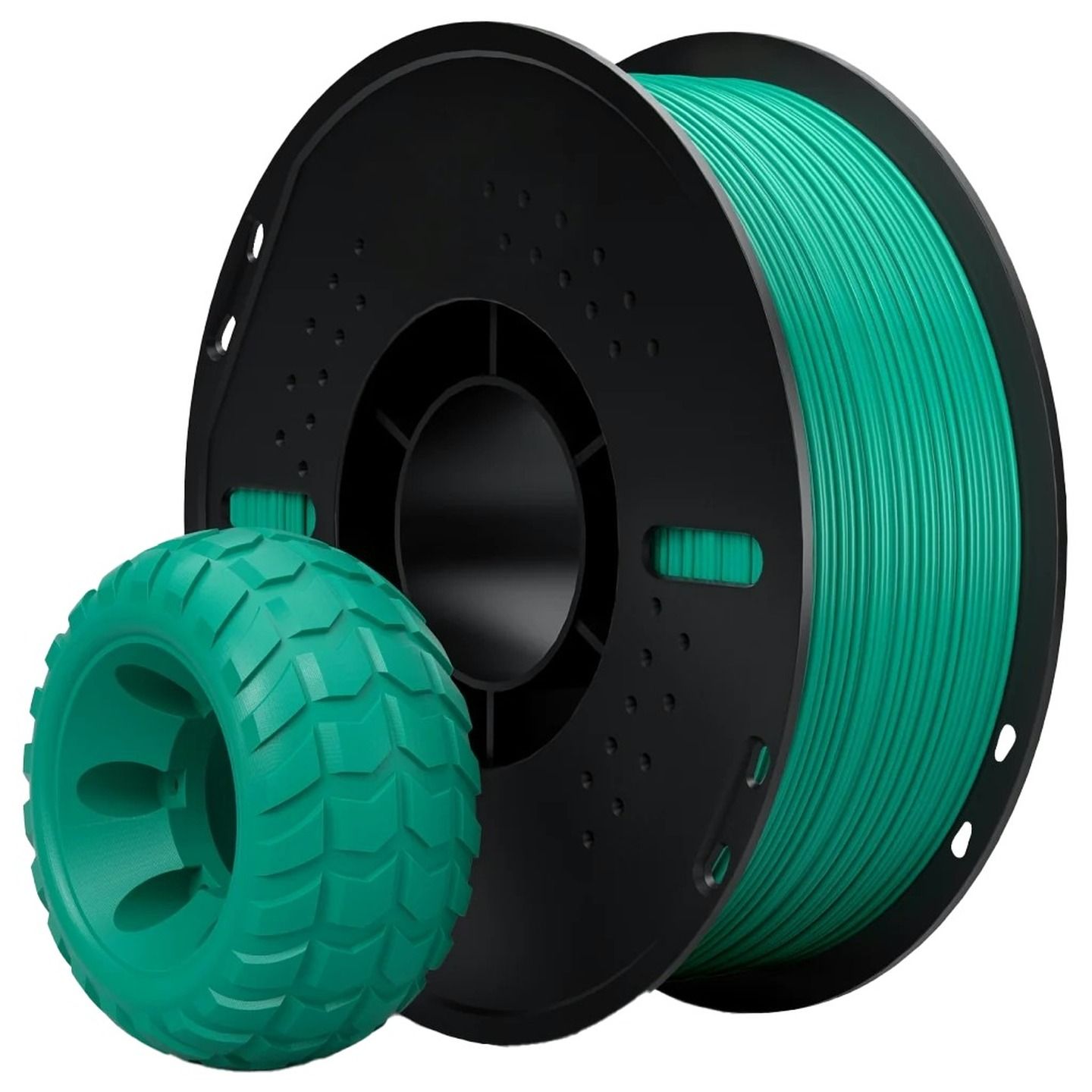
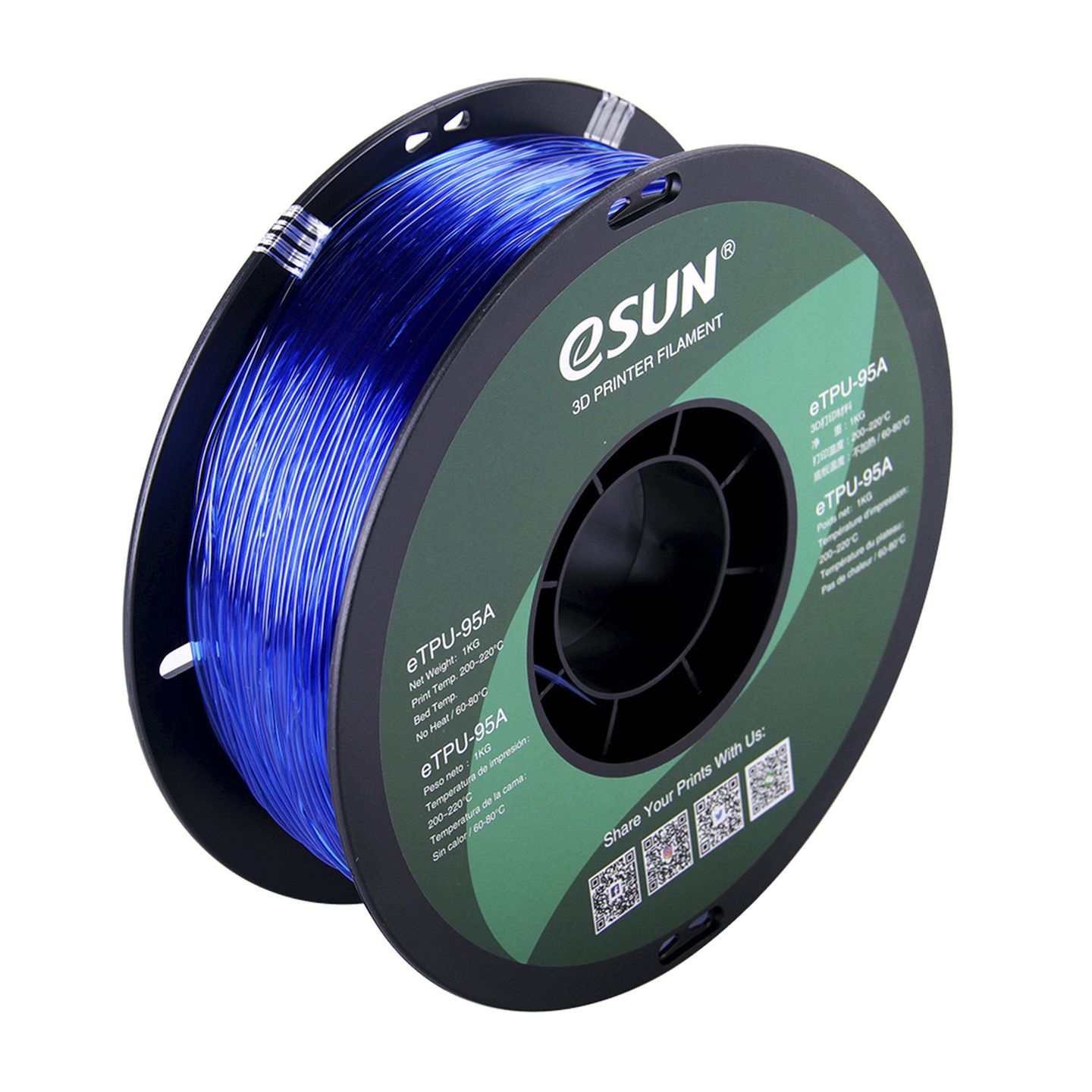
Phone cases, cable protectors, grips, gaskets, vibration dampeners, hinges, wearable accessories, and protective gear are all natural fits. Anywhere you need a print to flex, compress, or cushion - TPU is the answer. It's also commonly used alongside rigid filaments in multi-material setups, adding flexible joints or soft-touch surfaces to otherwise hard prints. Transparent options add another dimension for applications where you want flexibility and visibility combined.
If you've been printing display models and prototypes and want to start making functional parts that interact with the real world, TPU opens that door.
Tips for Printing with TPU
We have to be upfront here: TPU is not beginner-hostile, but it does punish impatience. Slow your printing speed right down - significantly slower than your PETG settings. TPU doesn't like being rushed, and fast print speeds cause the filament to buckle in the extruder before it reaches the nozzle. TPU is flexible and durable but requires a soft touch. Some higher-Shore-rated TPUs do support high-speed printing, but check your specific filament's spec sheet before pushing it.
Direct drive extruders handle TPU much better than Bowden setups. If you're running a Bowden tube, it's still possible, but you'll need to experiment more with retraction settings and speed. Before your first print, check our 3D printing supplies page for adhesive and release agent - TPU bonds strongly to some build surfaces and removal can be tricky without one.
Most TPU runs between 220-240°C at the nozzle with a bed temperature of around 30-60°C. If you're printing abrasive or filled TPU variants, a hardened steel nozzle is worth the investment. As always, dry filament is non-negotiable - TPU is hygroscopic, and wet filament will string badly and produce weak, bubbly layers. Check the drying temperature for your specific grade before you start, as it varies.
Moving Beyond TPU
Once you’re comfortable with flexible prints, ABS and ASA are the logical next step if you need higher heat resistance and harder mechanical properties. Both require a more controlled environment e.g. an enclosed printer and good ventilation, but the capability jump is significant.
Browse the full range of 3D printer filaments, accessories and printing supplies at Jaycar.