

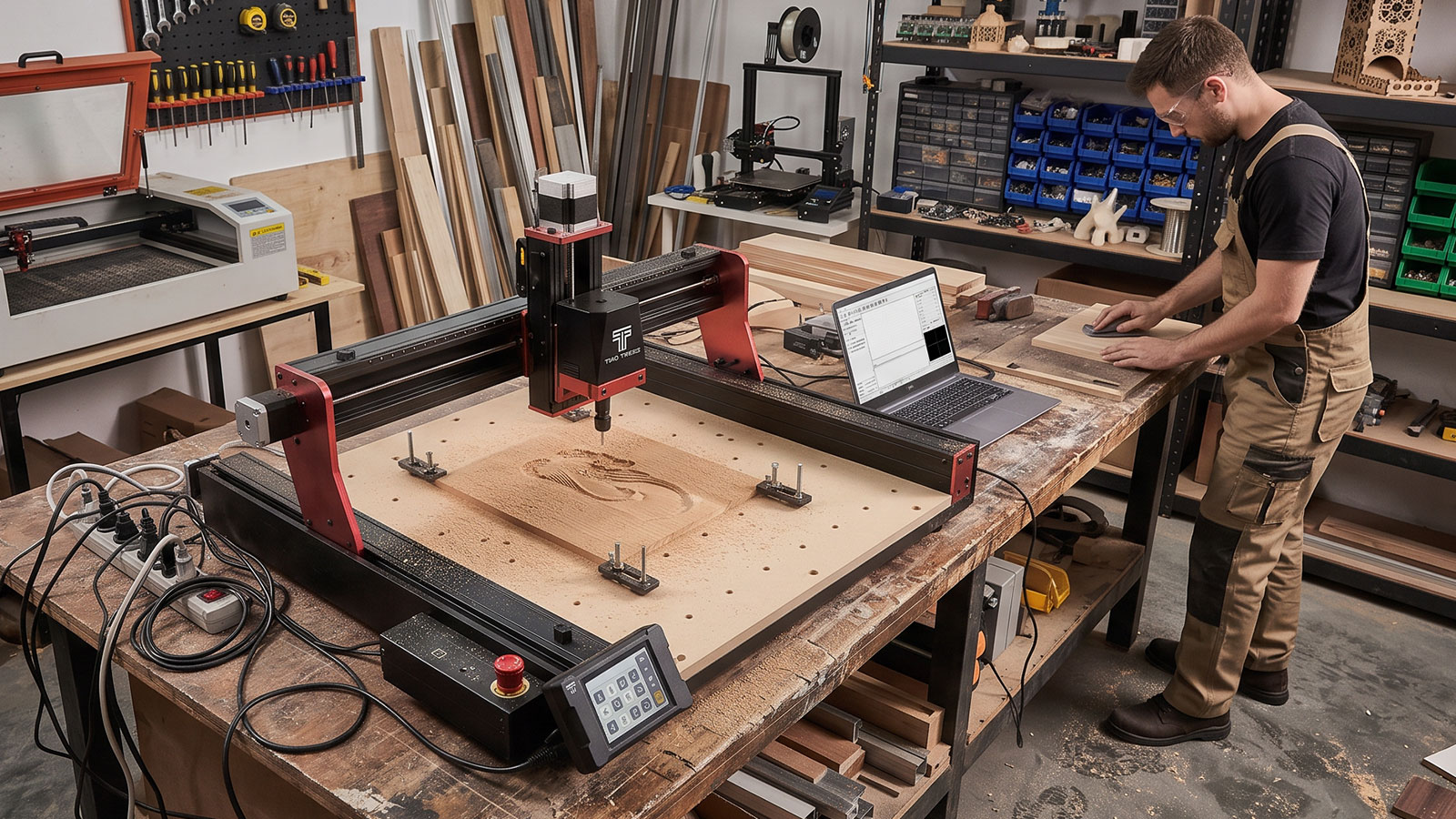
Most CNC router problems trace back to one of three things: the machine, the bit, or the material, and CNC router troubleshooting usually comes down to working out which of the three is actually at fault before you change anything. This guide walks through the most common symptoms (burn marks, chatter, broken bits, poor finish and software or connection issues) and what tends to cause each, so you can fix the right thing instead of guessing.
One thing to flag upfront: exact feed rate, speed and depth-of-cut settings vary by machine, bit and material, so this guide sticks to what actually causes each problem and general direction to adjust in, rather than specific numbers to copy. Check your machine's manual or bit manufacturer's guidance for exact settings.
Burn Marks
Burn marks, dark, scorched-looking streaks along the cut, are almost always a friction and heat problem.
- Machine cause: feed rate too slow for the spindle speed, so the bit spends too long in one spot and generates heat instead of cutting cleanly.
- Bit cause: a dull, chipped or worn bit rubs rather than cuts, generating friction and heat even at otherwise reasonable settings.
- Material cause: resin-heavy timber, some MDF, and certain plastics burn more easily than others at the same settings that work fine on other stock.
- Fix: check the bit for wear or damage first, since a sharp bit fixes more burn marks than any settings change. If the bit is fine, try a faster feed rate or slower spindle speed so the bit keeps cutting rather than rubbing, and test on scrap before committing to a full job.
Chatter & Vibration
Chatter shows up as a rattling sound and a rippled, inconsistent edge along the cut, rather than a clean line.
- Machine cause: loose gantry rails, an unstable bench, or hardware that's worked loose over time all let the machine flex slightly during a cut.
- Bit cause: a bit that's too long for the depth of cut, or run at a mismatched speed for its size, can flex and chatter even on a solid machine.
- Material cause: material that isn't properly secured to the bed will vibrate against the bit no matter how well-tuned the machine is.
- Fix: secure the workpiece properly first, since loose material is the most common cause. Then check the machine for loose hardware and confirm the bit is appropriate for the depth of cut before adjusting speed or feed rate.
Broken Bits
A snapped bit is frustrating and usually avoidable once you know what actually caused it.
- Machine cause: cutting too deep in a single pass puts more sideways load on the bit than it's rated for, especially on a benchtop machine like the TTC450 Pro.
- Bit cause: a bit that's already chipped or worn is far more likely to snap under normal loads than a fresh one, and using the wrong bit type for the material adds unnecessary stress.
- Material cause: knots, voids, or unexpectedly dense sections of material can catch a bit mid-cut, particularly in natural timber.
- Fix: take shallower passes on deeper cuts rather than trying to remove too much material at once, inspect bits before each job, and choose a bit rated for the material you're cutting.
Poor Finish or Rough Edges
A rough, fuzzy or chipped edge instead of a clean cut usually points to one of the same three areas.
- Machine cause: a feed rate that's too fast for the bit and material leaves visible tool marks or a rougher edge than expected.
- Bit cause: the wrong bit geometry for the job, or a worn edge, tears material instead of shearing it cleanly.
- Material cause: some materials, like certain plywoods or softer plastics, are simply more prone to fuzzing or chipping regardless of settings.
- Fix: confirm the bit suits the material and isn't worn, then adjust feed rate in small increments and test on scrap. A finishing pass at a lighter depth can also clean up an otherwise rough edge.
Software & Connection Issues
Lost connections, jobs that won't start, or a machine that stops responding mid-job are usually simpler to resolve than they feel in the moment.
- Check the physical connection first, a loose or damaged USB cable is the most common cause of a dropped connection.
- Confirm the software matches your machine, since sending G-code generated for the wrong control system or firmware version can cause jobs to stall or behave unpredictably.
- Restart both the machine and the software before assuming something is broken, a surprising number of connection issues clear up this way.
- Keep firmware and control software up to date, since older versions occasionally have compatibility issues that later updates resolve.
Quick Fixes Checklist
Before changing any settings, work through this order:
- Inspect the bit for wear, chips or damage, and replace it if it's not in good condition.
- Confirm the material is properly secured to the bed.
- Check the machine for loose hardware, especially around the gantry and rails.
- Match the bit type to the material you're cutting.
- Make small adjustments to feed rate or depth of cut, one at a time, and test on scrap before committing to the full job.
For a full breakdown of bit types and when to use each, see the CNC router bits guide. For general upkeep beyond troubleshooting, the CNC router safety guide covers a routine maintenance checklist worth building into every session.
Frequently Asked Questions
What causes burn marks on a CNC router job?
Usually friction from a dull or worn bit, or a feed rate that's too slow for the spindle speed, so the bit rubs instead of cutting cleanly. Check the bit first, since a sharp bit resolves most burn mark problems on its own.
Why is my CNC router chattering or vibrating?
The most common cause is material that isn't properly secured to the bed, followed by loose machine hardware or a bit that's mismatched to the depth of cut. Work through those in that order before adjusting speeds.
Why do CNC bits keep breaking?
Cutting too deep in a single pass is the most common cause, along with using a bit that's already chipped or worn, or one that's the wrong type for the material. Shallower passes and fresh, correctly matched bits fix most breakages.
How do I get a smoother finish on CNC-cut parts?
Start with the bit, since a worn edge or the wrong geometry for the material tears rather than cuts cleanly. If the bit is in good condition, a finishing pass at a lighter depth or a small feed rate adjustment usually cleans up the rest.
My CNC router keeps losing connection to my computer, what should I check?
Check the physical USB cable first, since a loose or damaged cable is the most common cause. After that, confirm your software matches your machine's firmware, and try restarting both before assuming anything is faulty.
Do I need different settings for every material?
Generally yes, materials vary enough in density and behaviour that settings dialled in for one won't necessarily suit another. Test on scrap material whenever you're cutting something new, rather than assuming your usual settings will carry over.
Most CNC router problems come down to checking the same three things in order: the bit, the work-holding, and the machine itself, before touching any settings. Work through those systematically and most common issues resolve quickly.