

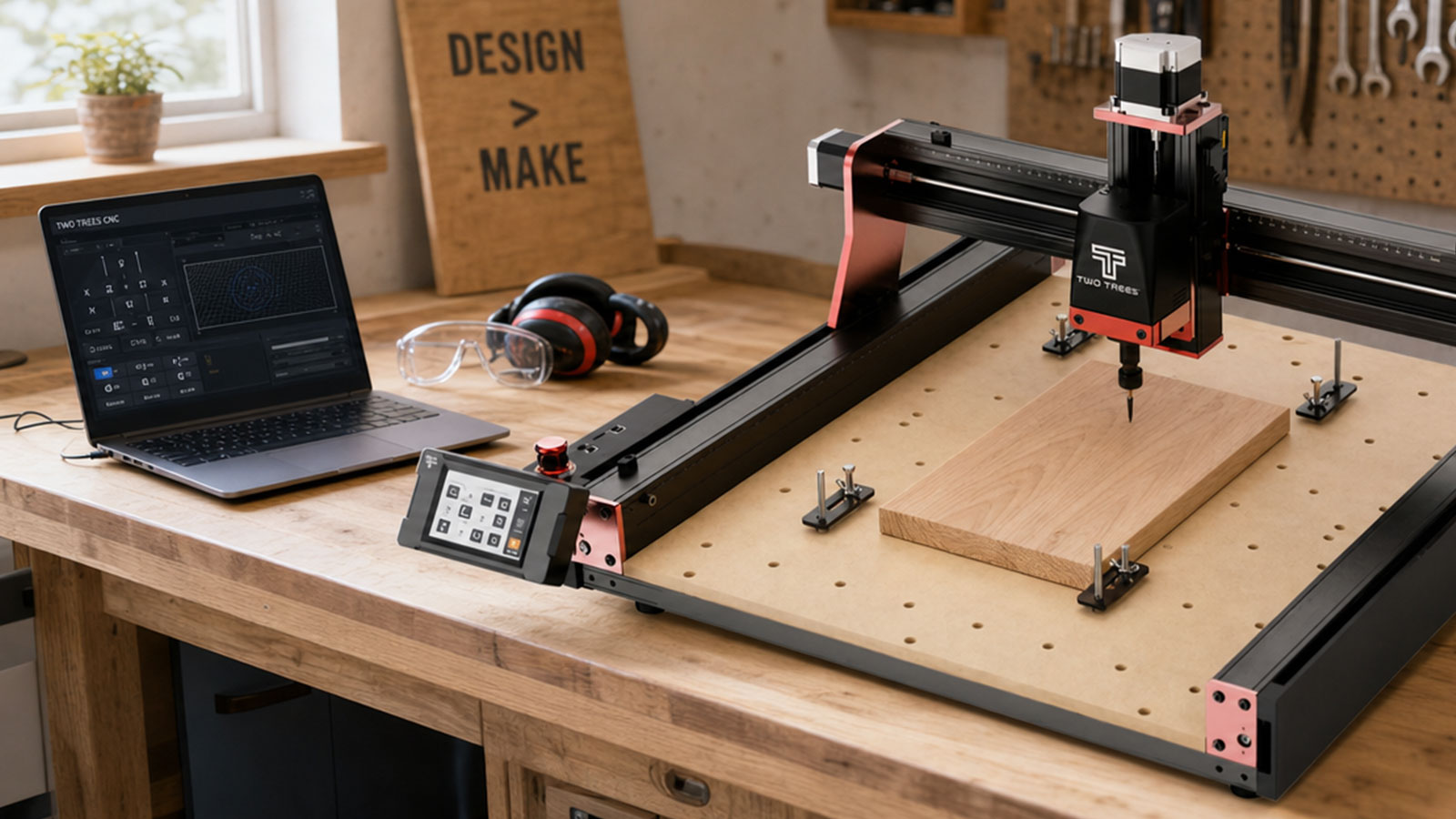
The best CNC router for beginners in Australia is not necessarily the biggest or the cheapest one you can find. It is the one that matches your work area needs, your budget and how much you already know about CAD and CAM software. This guide walks through the specs that actually matter for a first machine, what you can expect to pay at each level, and where an all-in-one machine like Jaycar's Snapmaker range fits if you also want 3D printing and laser cutting without buying three separate machines.
What to Look For in a Beginner CNC Router
Every spec sheet looks impressive, but only a handful of numbers actually change what you can make.
Work Area
Buy for the size of the projects you actually plan to make. A larger bed sounds appealing, but it also means a bigger footprint on your bench and a higher price, so match it to real projects rather than the biggest number on the page.
Spindle or Router Power
Power determines how deep and how fast you can cut, and which materials are realistic. Entry-level machines handle wood, plywood and plastics well; cutting soft metal reliably needs more spindle power and a metal-rated bit.
Frame & Motion System
A rigid frame with smooth linear rails produces cleaner edges and lets you push feed rates further without vibration. Lighter, flexier frames are cheaper but show their limits once you try anything beyond simple, shallow cuts.
Software & Ease of Setup
Look for a machine with auto-leveling or homing and software that is well documented, since this removes most of the frustration beginners hit in their first few weeks. A large, active user community also makes it far easier to troubleshoot problems.
Support & Spare Parts in Australia
A machine backed by a local retailer with spare bits, replacement parts and warranty support on hand saves you the wait and cost of importing parts individually if something wears out or breaks. This matters more than it seems for a first machine, since bits and small consumables are the parts you will replace most often.
Dedicated CNC Kit vs All-in-One Multi-Tool Machine
- Dedicated CNC kit — built for CNC routing only, generally cheaper for the CNC capability alone, and a good fit if you already know CNC routing is what you want.
- All-in-one multi-tool machine — swaps between a CNC module, a laser module and a 3D printer on one platform, which suits beginners who are still deciding between the three or who want all of them without three separate machine footprints.
What Does It Cost in Australia?
- Entry-level desktop kits — the cheapest way in, with a smaller work area and lighter frame suited to small signage, jewellery and hobby parts.
- Mid-range hobby machines — larger bed and more rigid frame, better suited to furniture parts and larger signage.
- All-in-one multi-tool machines — sit in the mid-to-premium range, but replace three separate machines with one, which can work out better value if you genuinely want CNC, laser and 3D printing.
Factor in bits, clamps and dust extraction on top of the machine price. They are easy to forget when comparing sticker prices, but you will need them from your very first project.
Jaycar's Pick for an All-in-One Beginner Setup
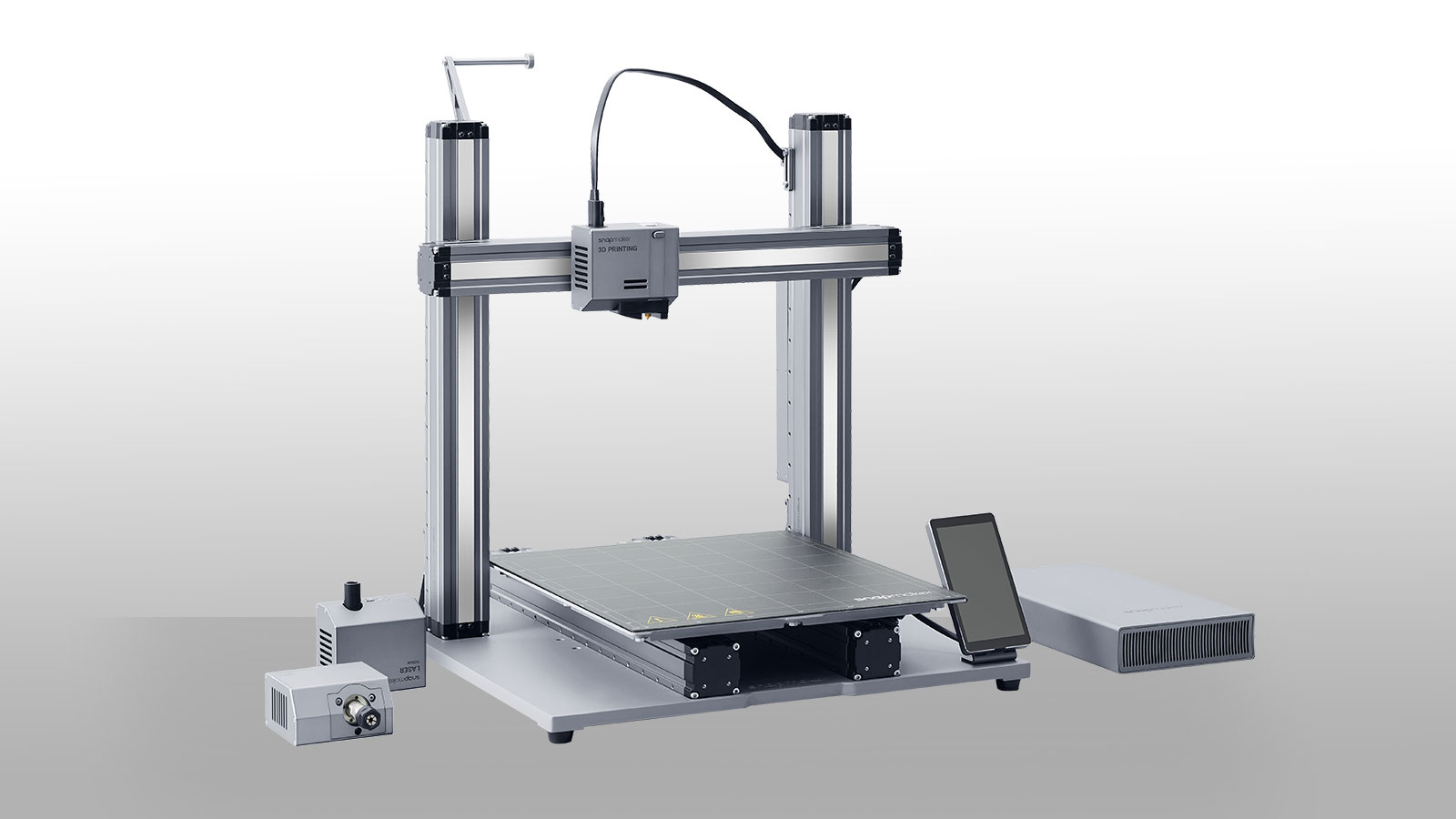
Jaycar does not stock dedicated single-purpose CNC routers, but it does carry the Snapmaker 2.0 A350T, a modular machine that swaps between a 3D printer, a laser module and a CNC milling module on the same 320 x 350 x 330mm platform. If you are not yet sure whether you will use CNC routing, laser cutting or 3D printing most, this kind of machine is a genuine way to try all three without three separate footprints in your workshop. For a larger work area and a more powerful CNC module, the Snapmaker Artisan is Jaycar's step-up option, though it sits at a premium price point. Stock and pricing on both change, so check current availability before you buy.
If you already know CNC routing is specifically what you want, and you do not need the laser or 3D printing modules, a dedicated CNC-only kit from a specialist CNC retailer may work out cheaper for the CNC capability alone. It is worth comparing both paths against your actual project list before you decide.
The practical advantage of an all-in-one machine for a genuine beginner is that you are not committing to CNC routing specifically before you have tried it. If it turns out you use the laser module for engraving far more than the CNC module for milling, you have not wasted the purchase, and you have not paid for three separate machines to find that out.
Setup & Safety Before Your First Cut
Whichever machine you choose, start with a forgiving material like MDF or plywood, square up your bed, secure your material properly, and run a test cut on an offcut before committing to real material. Safety glasses and a mask matter from day one, especially once you start cutting MDF, composites or carbon fibre, since the fine dust from these materials is a genuine respiratory hazard.
Shop Stands & SafetyMistakes to Avoid When Buying Your First CNC Router
- Buying on bed size alone — a bigger machine costs more, needs more space and is not automatically the right choice for your actual projects.
- Ignoring the software ecosystem — a cheap machine with poor software support or a small user community can cost you more time than it saves in money.
- Forgetting the running costs — bits, clamps and dust extraction all add to the real cost of getting started.
- Assuming all-in-one means compromise on everything — a modular multi-tool machine is a genuine option, not just a cheaper fallback, if you actually want more than one process.
Frequently Asked Questions
Is a CNC router worth it for beginners in Australia?
Yes, if you have projects that benefit from precision, repeatability or detailed cutting you cannot easily do by hand. If you only need the occasional simple cut, a hand router or jigsaw may be enough, and a CNC router is worth it once you outgrow that.
How much does a beginner CNC router cost in Australia?
It depends heavily on work area and frame rigidity, with entry-level desktop kits at the lower end and larger, more rigid machines or all-in-one multi-tool platforms further up. Factor in bits, clamps and dust extraction on top of the machine price.
Can I get an all-in-one CNC router, laser and 3D printer?
Yes, modular machines like Jaycar's Snapmaker range swap between a CNC module, a laser module and a 3D printer on one platform, which suits beginners who want to try all three without buying three separate machines.
What is the easiest CNC router to start with?
Look for a machine with auto-leveling or homing, well-documented software, and an active user community, since these three things remove most of the friction beginners hit in their first few weeks, regardless of brand or size.
Do I need a computer to run a CNC router?
Yes, you need a computer to design your project and generate the toolpath, though some machines can then run the cut from an SD card or their own touchscreen once the file is loaded.
The right first CNC router comes down to your actual projects, your budget and whether you want CNC routing on its own or alongside laser cutting and 3D printing. Match the machine to that, not to the biggest spec sheet, and you will get more use out of it in the long run.