
RTC Power Point Timer
Summary
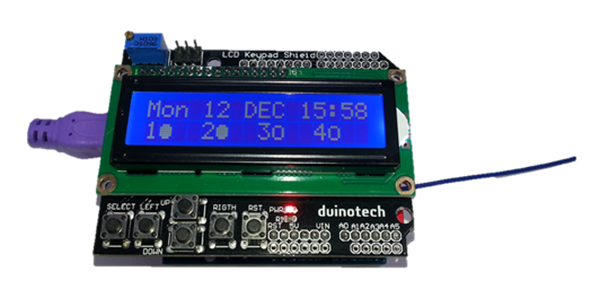
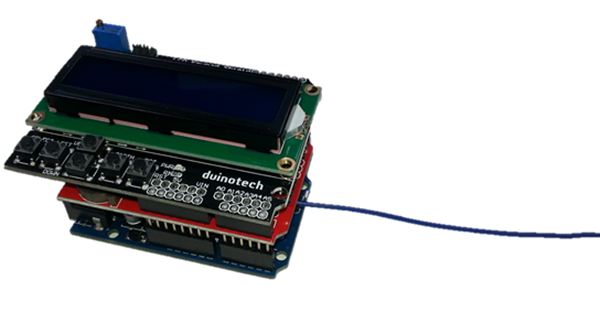
If you’ve been thinking about how you’d control a 240V appliance with an Arduino without worrying about getting zapped, then here is a solution. We’ve developed a project that interfaces to our MS6148 Remote Controlled Mains Outlet using a 433MHz transmitter. Building on the simplicity of the Arduino Clock, we’ve added the 433MHz transmitter and some extra code, which gives the following features:
• Switch appliances off or on with a minute of resolution
• Time is saved when power off
• Up to 99 timers can be programmed
• Can be set for any day of the week, or all days, weekdays or weekends
• Can be set to turn single channel or all channels on or off
• Manual control of transmitter for setup and troubleshooting
And being Arduino, there’s nothing to stop you taking the code apart and adding your own features.
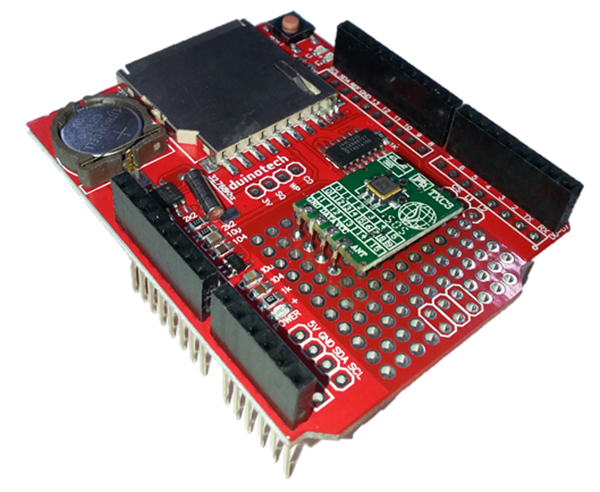
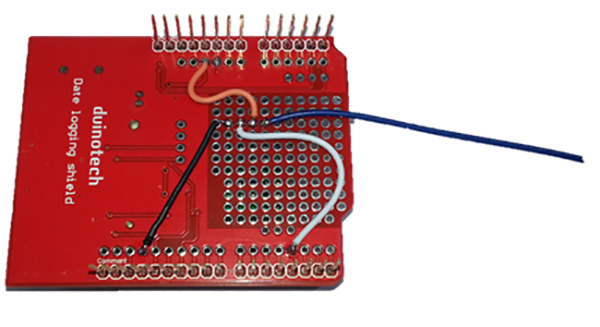
Note: this project also requires a Data Logging Shield shield which is no longer carried by Jaycar.
Table of Contents

Similar projects you may be interested in