Which 3D Printing Filament Should You Use? PLA, ABS, PETG & TPU Explained
Confused by filament types? This guide breaks down PLA, ABS, PETG and TPU in plain English so you can pick the right one for your printer and your project.
READ ARTICLESkip to main content
3D printing is a fun and quickly evolving space that's changing the way we produce things. Instead of buying a physical item from a store or having a professional manufacturer make a prototype of your idea, you can now print it in your home, office or workshop. There's no tooling necessary, which opens up a world of opportunity to makers.
Jaycar is Australia's 3D printing destination, helping you find the best 3D printer for your needs, with filament and resin to fuel your prints and lots of useful resources to get started.
Read our expert guides about 3D printing topics to learn everything you need to know.
Confused by filament types? This guide breaks down PLA, ABS, PETG and TPU in plain English so you can pick the right one for your printer and your project.
READ ARTICLE
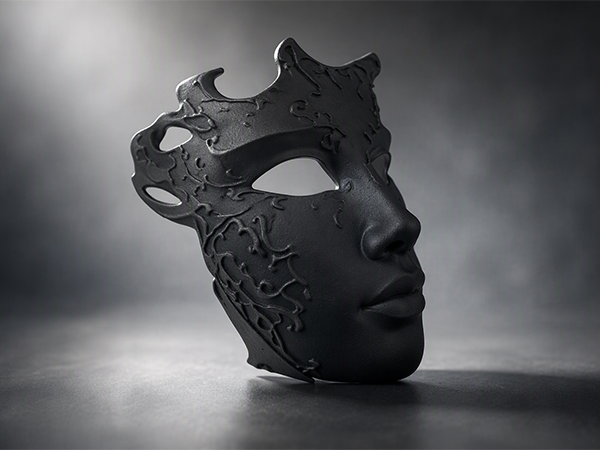
Making a basic mask for 3D printing is actually a pretty fun project, even if you're just starting out.
Open Project
3D printers are changing the face of production as we know it. In this article, we consider what is 3D…
Read Article
Pros, Cons, and Best Uses
Read Article
A video series on 3D printing that covers all aspects of the hobby
Watch Now
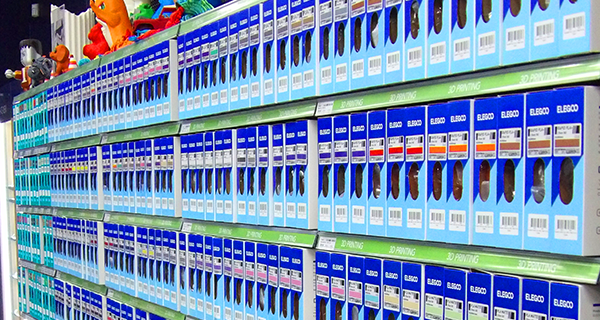
Jaycar is Australia's dedicated destination for 3D printing filament, with the cheapest bulk prices below all other suppliers. Whether you're shopping for Elegoo, Sunlu, eSUN, Slic3D, Creality or FlashForge 3D filaments, Jaycar's unbeatable pricing keeps professional-grade materials affordable for makers, schools and businesses alike.
Mix and match your favourite colours for the lowest bulk pricing available on Slic3d 1kg rolls in Australia. Jaycar's Price Match Guarantee also ensures you'll never pay more. And with spoolless filament options available, cut costs even further by eliminating waste and reducing overhead. From PLA and PETG to ABS, TPU and specialty blends, Jaycar has the best filament brands at the best value pricing, for limitless layers of FDM 3D printing on any budget.
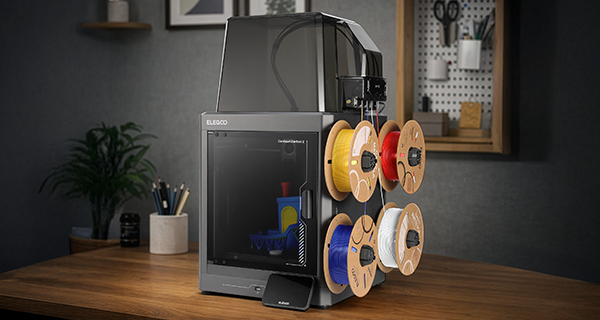
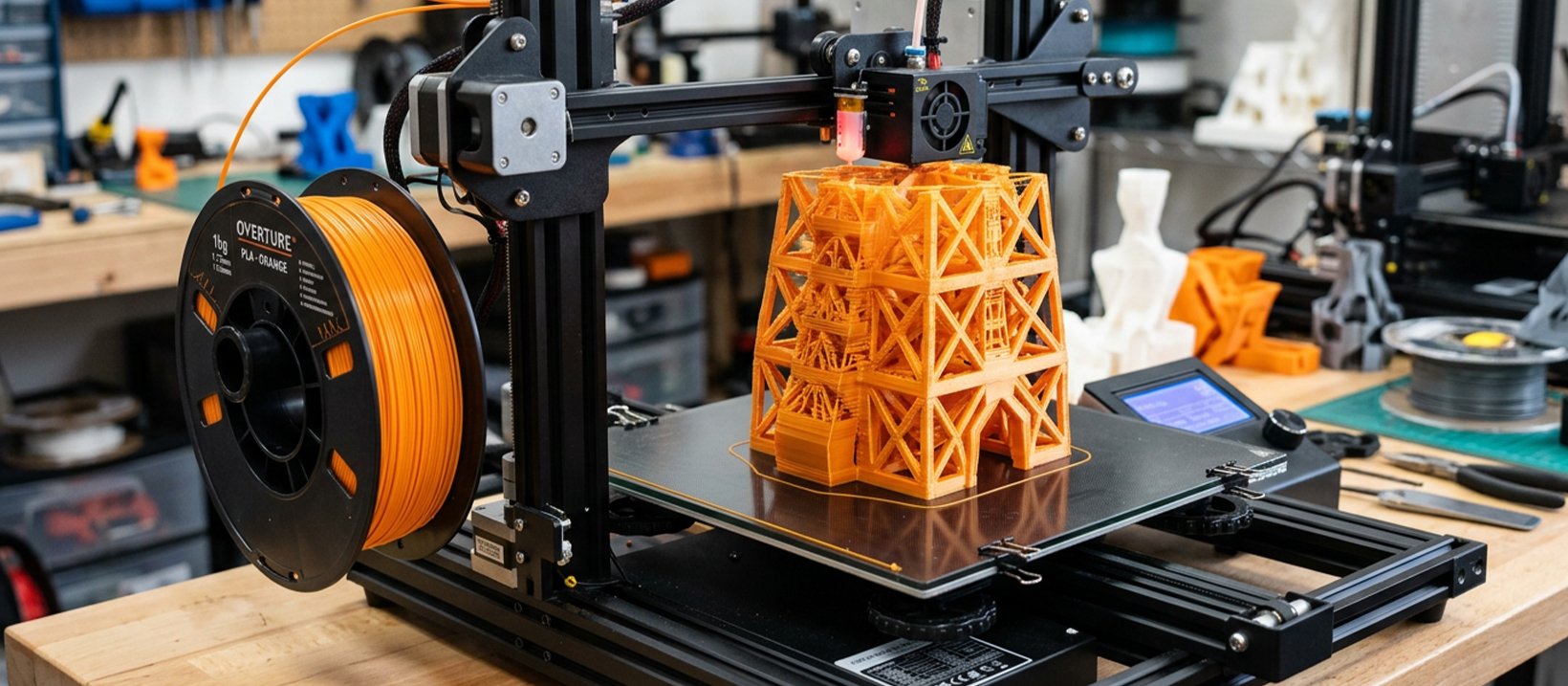
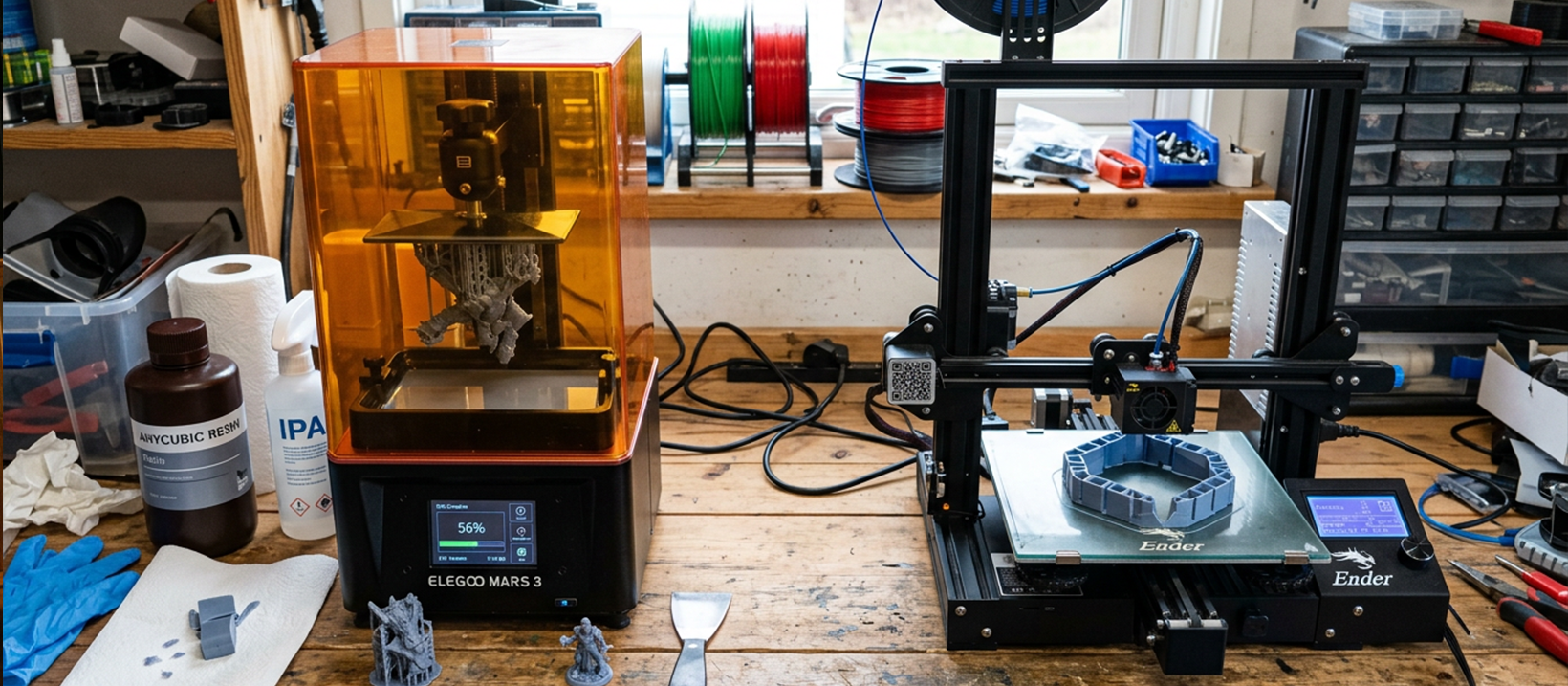
Filament (FDM) 3D printers and resin 3D printers are the two most common types of 3D printers on the market. FDM printers like our Ender-3 S1 Plus from Creality offer a larger build area of up to 300x300x300mm, plus a wide range of features making them easy to use and maintain. They are easy to set up and customize to fit your workflow or hobbies, making them a versatile option for props, rapid prototyping, and everyday models. However, FDM printers lay down each bit of material one by one, which means they can be slower than resin printers.
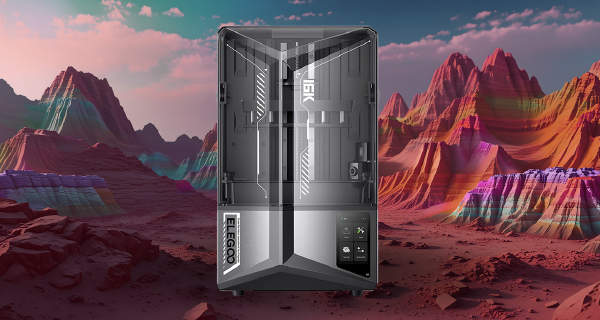
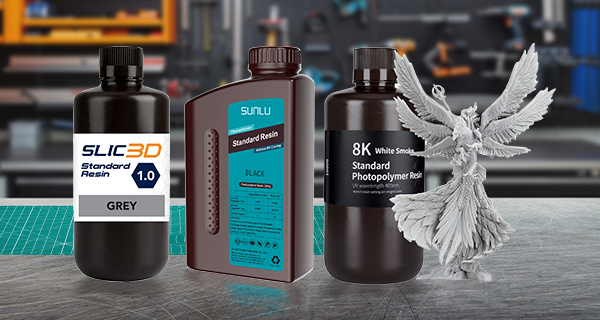
Resin printers, on the other hand, typically have a smaller build size and are limited to a single resin during the print process. However, they offer significantly higher quality and precision than FDM printers, making them ideal for creating small, highly detailed models and parts such as DnD or Warhammer models, and small high-detailed prototypes. Resin printers can print an entire layer of the model in one go, resulting in faster printing at higher detail. However, resin printers require more post-processing steps, including cleaning up the resin, washing and curing the prints, and handling the resin fumes which can be harmful if not properly ventilated.
Ultimately, the choice between filament and resin printers depends on your project needs and personal preference. Filament printers are versatile and easier to use, while resin printers offer superior quality and precision at the cost of more post-processing work and the need for proper ventilation to ensure safety.
Bowden and Direct Drive are two common extruder setups used in 3D printing. Bowden uses a tube to transport filament from the motor to the hotend, while Direct Drive places the motor directly on the print head. Bowden allows for faster and more precise movement of the print head, but can lead to retraction and stringing issues. Direct Drive offers better control over filament, resulting in more accurate and detailed prints, but may slow down the print head for fast or intricate prints. The choice between the two ultimately depends on personal preference and project needs, with both capable of producing high-quality prints with the right settings and adjustments.
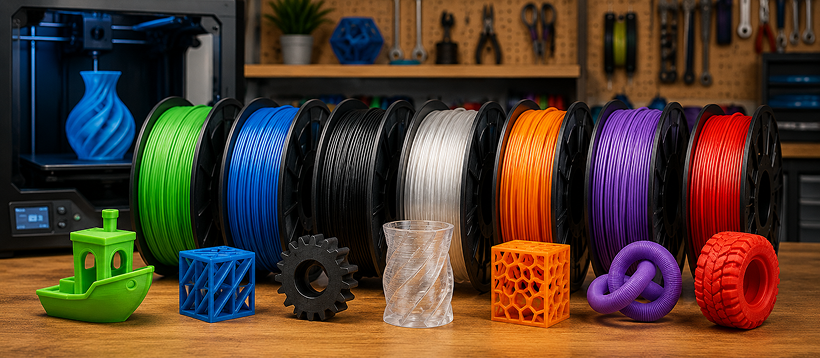
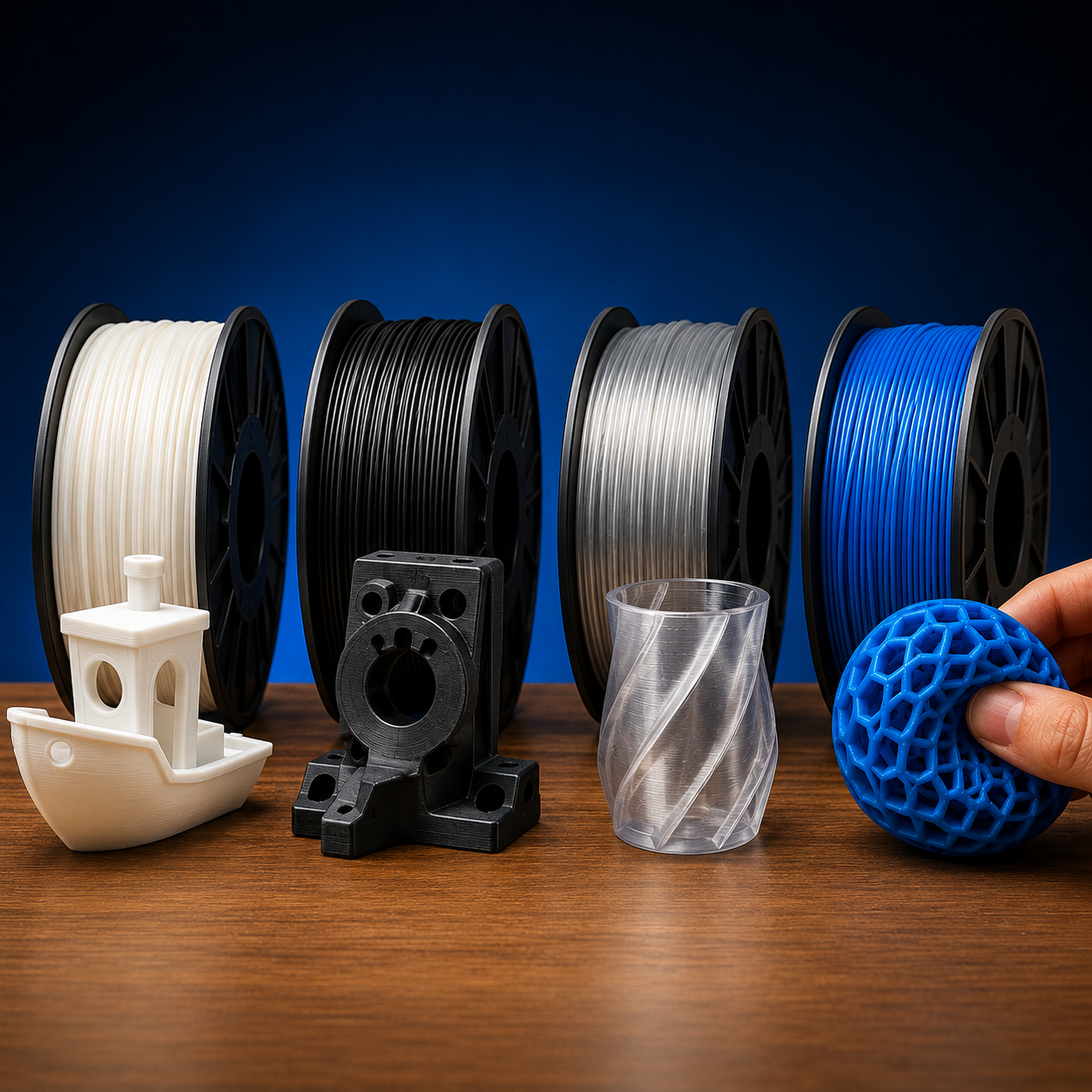
3D printer filament comes in a vast array of types and special colours especially in the last few years. With everything from standard PLA and PLA + plastic, the most common among 3D printers, to Carbon Fibre allowing the rapid prototyping of high strength parts on standard printers, and TPU allowing the printing of flexible parts like shoes and rubber wheels. See the table below to find what is best for you.
| Filament type | Description | Use | Requirements |
|---|---|---|---|
| PLA | Standard PLA plastic | Standard models and 3D parts | Nozzle – 210c Bed – 65c* |
| ABS | Standard ABS plastic | Stronger models and 3D parts | Nozzle – 215c Bed – 105c Enclosed Printer |
| PETG | High strength / chemical resistance | High strength parts and engineering parts | Nozzle – 240c Bed - ~80c |
| TPU/TPE | Flexible rubber like material | Flexible and bending parts | Nozzle - ~230c Bed - 50c* Direct Drive recommended |
| Wood | PLA plastic with up to 70% wood infused | Realistic wood parts | Nozzle – 200c Bed – 50c* |
| Carbon Fibre | Combination of Carbon fibre with PETG | High strength engineering and mechanical parts | Nozzle – 215c Bed – 50c Hardened Nozzle |
| PVA | Water soluble material | Supports that can be dissolved | Nozzle – 190c Bed – 50c* |
| Silks | Very shiny finish / metal like finish | Standard models and 3D parts | Nozzle – 205c Bed 60c* |
*Heated bed optional but recommended
As for special colours, eSilk or Silk filament has taken the show. Silk filament has all the printing properties of PLA filament but with a silky and naturally shiny finish to it, so there is no need for post processing work to be done. Allowing you to print our parts with a more realistic metal finish for props, or a beautiful shine to models.
This is dependent on a number of variables, such as; the complexity of the object to be printed, the filament size and type, the extruder head type and z resolution. It also depends on the quality of the printer you are using. You can always speed things up but you will generally sacrifice the quality of the output. It is important to remember that speed isn’t everything. When it comes to 3D printing, slow and steady usually wins the race. Most 3D printing programs will advise you of the expected printing time once the drawings and settings have been uploaded.
The general standard is the higher the quality the long it will take, as well as the bigger the item the longer it will take. Most of our printers have the option to speed up a print while printing without quality loss (running at 150% speed or higher) but as you turn up the speed the printer model is more likely to fail completely. This is only recommended for printers that are very well tuned. As an example, the CR-X can go up to 300% but might not extrude fast enough in some areas, causing very small holes on the print.
With Resin printing, the only factors are the resolution you are printing in and Z height, X and Y don’t add any print time.
3D printing is loads of fun. Whether you just want to have a go at creating something from (virtually) nothing, or genuinely have a need to create unique objects, we are confident you will find a quality printer option amongst our range of 3D printers. We also have dozens of suitable filaments, including some very interesting options like glow in the dark, flexibles, eSilks, and much more.

Your design’s largest single piece, will always be limited to the “maximum print size” of your printer which is dictated by the size of the Build plate, and the printer’s z-height capability. If your printer’s max print area is too small for your design, you can print an object in separate vertical parts and then glue the pieces together. Unless the design deliberately considers interlocking parts however, the finished quality is sometimes dubious (especially if the layers don’t align exactly). Therefore, we suggest you select a 3D printer with a maximum print size suited to the size of prints you intend to make or design. The only printers that don’t follow these rules are Infinite Z Belt Printers, for those printers you are limited to the X and Y limits with no Z limit (Filament printers only).
The range of objects that emerge from these printers is as boundless as one’s imagination, encompassing everything from bespoke jewellery and prototypes to detailed models and personalized home decor. For those looking to dive into the vast possibilities offered by creating three-dimensional objects, our collection provides the essential tools and materials needed. Whether for leisure or professional projects, the ability to transform digital designs into tangible items opens up a world of creativity and innovation. Discover how to bring your unique visions to life, leveraging the versatility and precision of modern printing technology.
Single and dual extrusion comes in three main types. Single filament single head, dual filament single head, and dual filament dual head.
Single filament single head is perfect for when you are using a single type or colour of filament for a 3D print and are generally your standard 3D printer.
Dual filament single head is the go to printer configuration for doing a print in two colours or materials. A perfect example is doing a complex PLA based print with a lot of support, PVA can be loaded into the second filament feed and be used as a water soluble support, making the support removal process incredibly fast and easy. No more hours lost to snipping them away one by one.
Finally, dual filament dual head. These printers are generally your most expensive printers but have the features to back them up. A dual filament dual head printer not only will be able to print a model in two colours or two materials like the dual filament single head, but can also be set up to print two models at the same time**. Cutting down on print times for multiple parts.
**Both models need to be the same to do simultaneous printing.
Maintaining your printer is crucial for ensuring its longevity and performance. Regular cleaning removes residual materials and prevents blockages, keeping your machine in optimal condition. Our 3D printing cleaning essentials offer everything needed for this task, from specialised tools to safe cleaning solutions. Following a consistent maintenance routine will not only extend the life of your equipment but also enhance the quality of your prints.
of 3D Printing
Got an idea? We've got the 3D printer to make it real. From doodle to design to done, if you can think it, you can print it. That's the power of 3D printing, and it starts right here at Jaycar.
Whether you're curious about 3D printing, ready to take on your next hobby, or working on a complex design, we've got the printers, tools, and know-how to bring your imagination to life, one layer at a time.
Ideas don't belong in notebooks, they belong on a print bed. Don't just imagine it, print it. For all your 3D printing needs, Just Ask Jaycar.
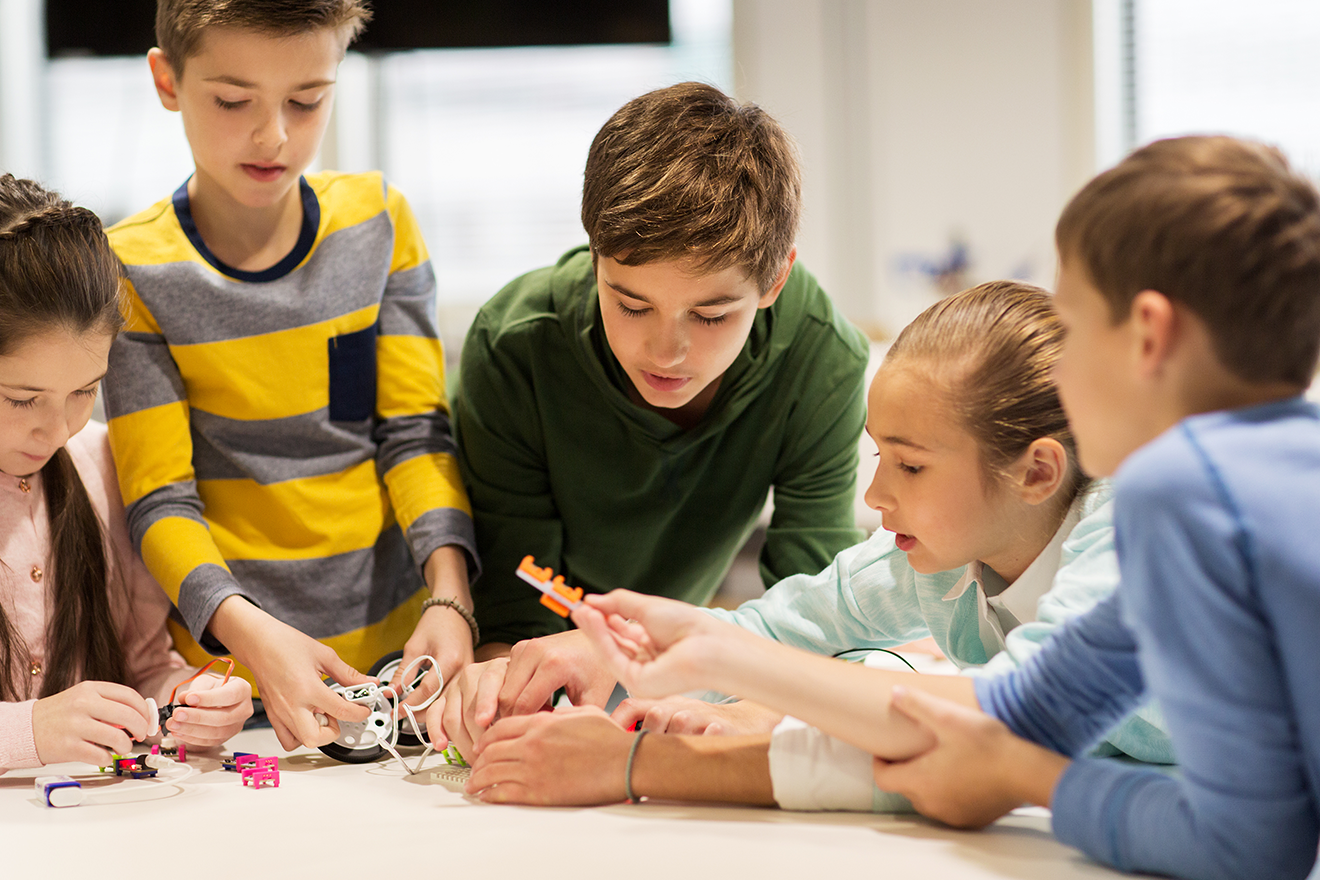
3D printing is a practical fit for STEM classrooms, makerspaces and manufacturing coursework, and Jaycar stocks everything you need to get programs running. Our range covers FDM and resin printers from Elegoo, Creality, FlashForge and more, plus bulk filament across PLA, PETG, ABS, TPU and specialty blends so consumables never hold up a lesson. Whether you're equipping a single classroom or fitting out a full makerspace, you'll find the hardware and materials to match your setup and budget.
STEM educators and institutions can access trade pricing through Electus Distribution, Jaycar's wholesale business. Purchase orders are accepted for eligible schools, TAFEs, universities and community makerspaces. Get in touch with Electus to set up an account and confirm bulk pricing for your program.