

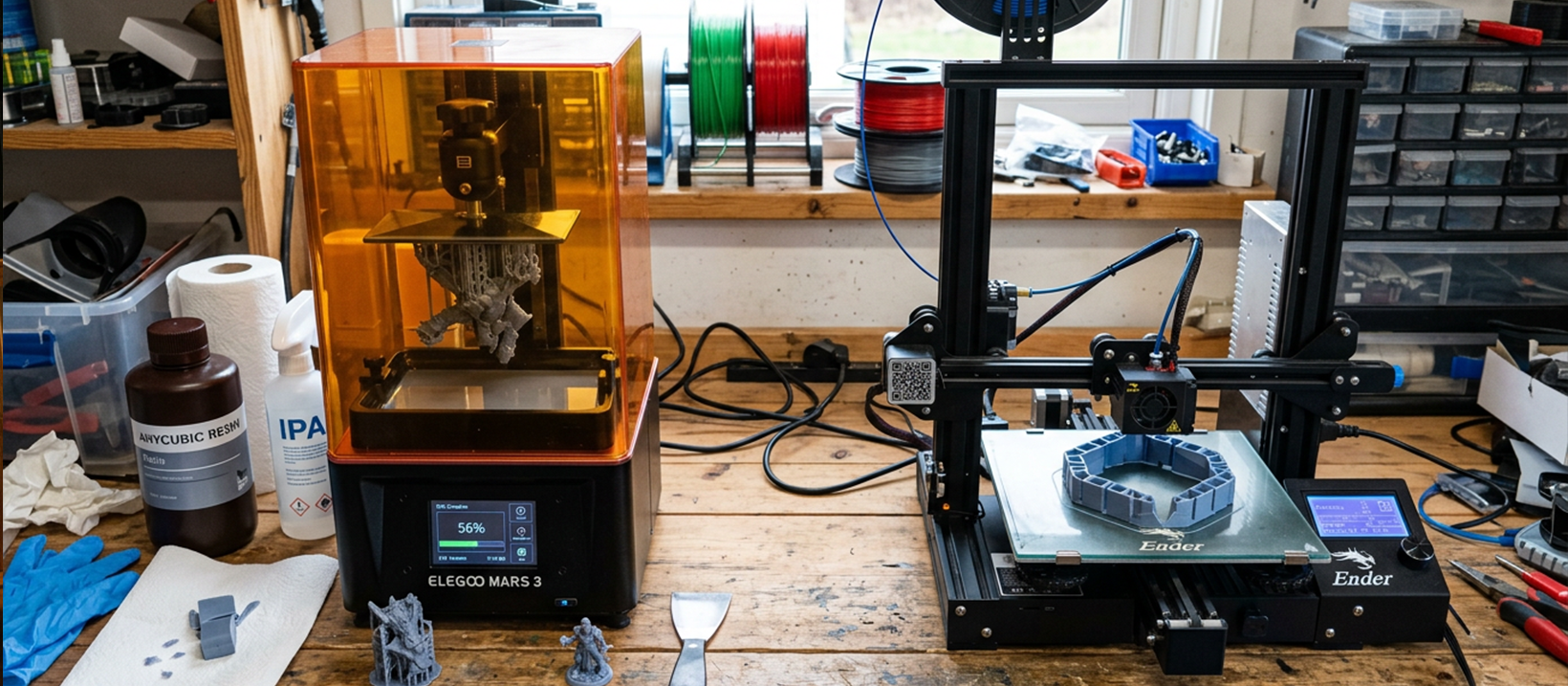
Which Printer Is Right for You?
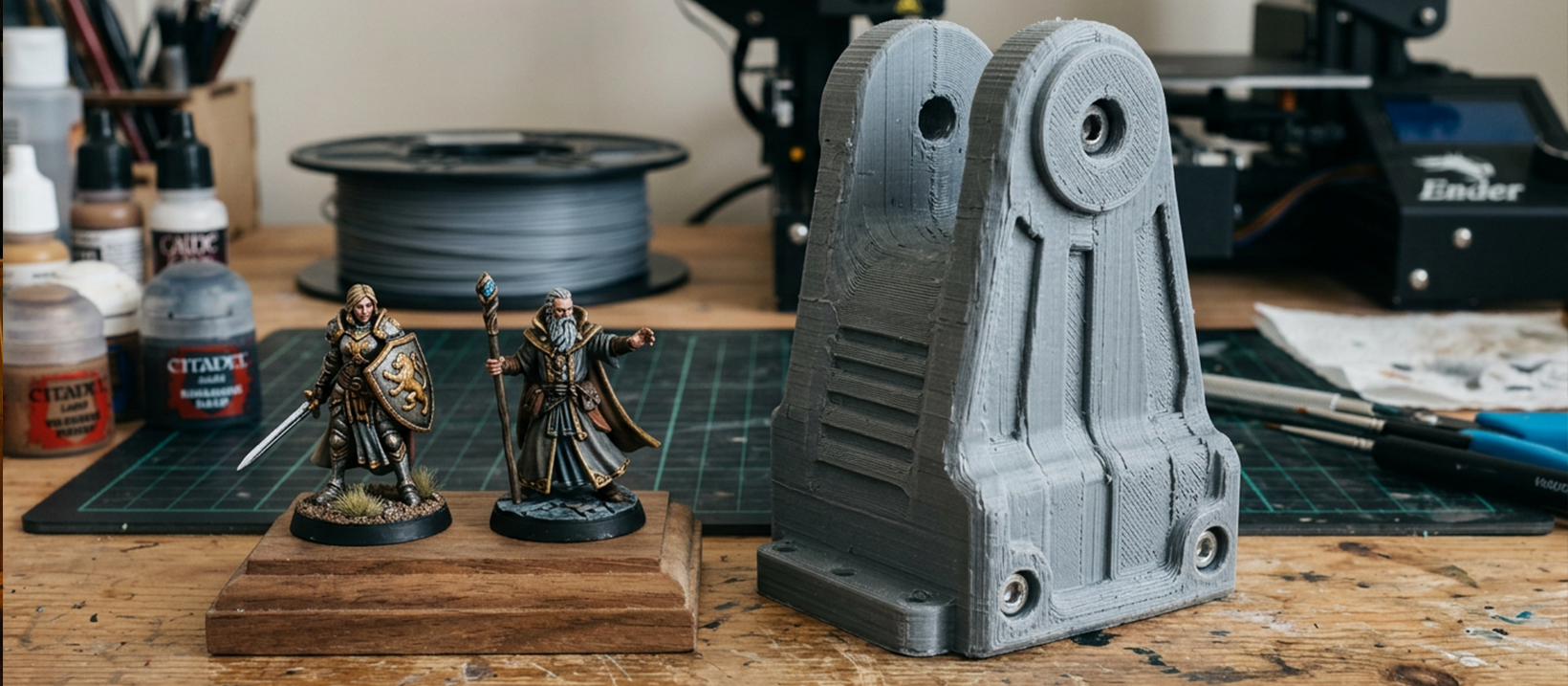
Both resin and filament printers have their pros and cons, all based around what you need to print. They vary in strength, speed, size, quality, ease of use, and limitations - so understanding the differences before you buy is worth the effort.
Resin 3D Printers
Resin printers use UV light to cure liquid resin layer by layer, producing prints with exceptional surface detail. Key advantages over filament printers include:
- Speed: Up to 70% faster than filament-based printers in many situations
- Detail: Surface resolution up to 10x finer than filament prints
- Ease of first use: Setup and first-time use is mostly automated with minimal interaction
Resin printers are the natural choice for printing small highly-detailed models - tabletop miniatures for D&D and Warhammer, intricate art models, jewellery prototypes, and any object where surface finish matters most.
Filament 3D Printers
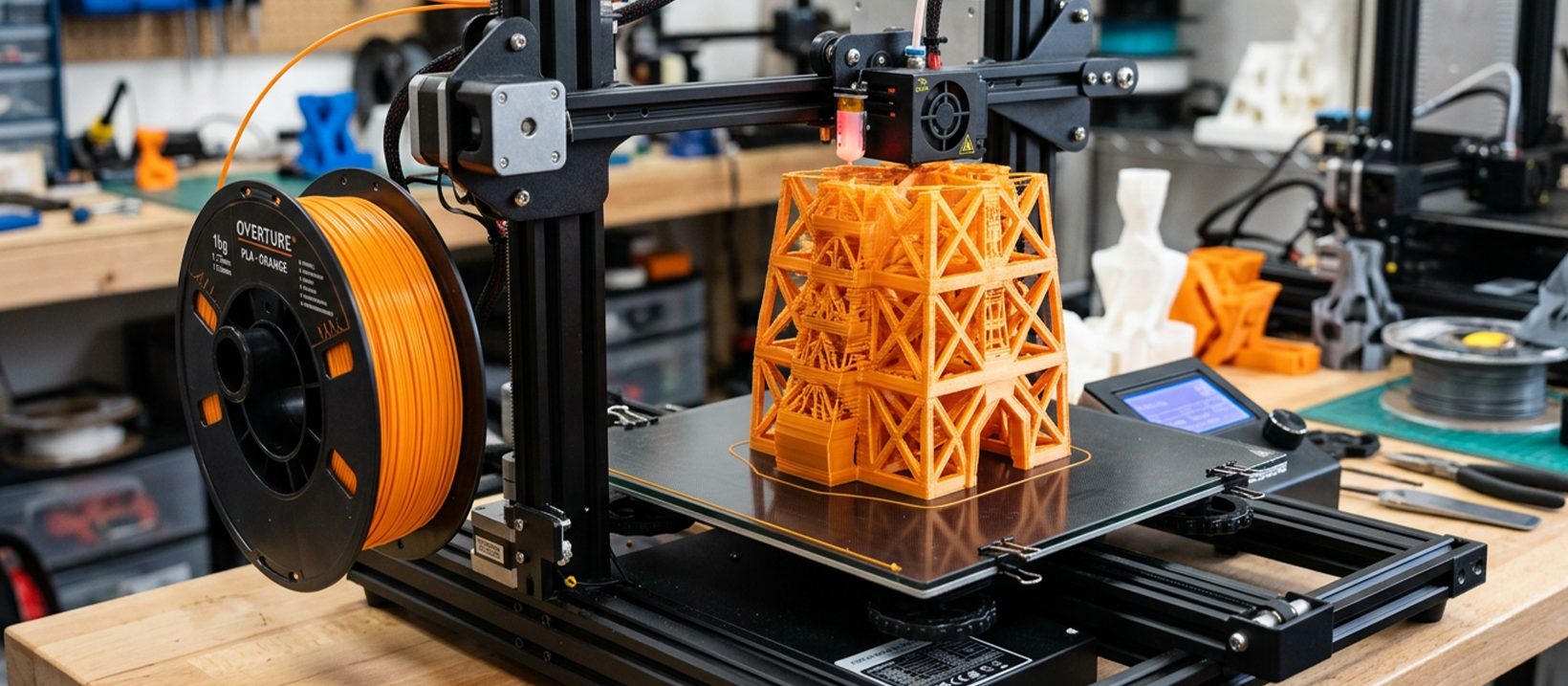
Filament printers extrude melted plastic filament through a heated nozzle, building objects layer by layer. Their advantages include:
- Build size: Larger build areas - up to 300x300x400mm and beyond
- Material range: Carbon fibre, nylon, polycarbonate, wood, flexible TPU, ABS, PLA, and more
- Strength: Printed parts are significantly stronger - ideal for anything functional
- Running costs: Cheaper filament and easy-to-replace parts
- Entry price: More affordable printers, making them the better choice for first-time buyers
Filament printers are the go-to for large objects, high-strength parts, car components, robotics, objects that need to meet heat and stress requirements, and flexible items like shoe soles and custom belts.
Printer Maintenance: Dos and Don'ts
Both printer types have a list of dos and don'ts that keep them running as long as possible. Follow these to protect your investment.
Resin 3D Printers
- Do remove resin from the vat when not in use - it can separate and cure to the bottom FEP if left sitting
- Do stop a print immediately if it fails - resin will cure to the vat and FEP and may cause damage
- Do check for cured resin in the vat before starting a new print
- Do use the printer in a well-ventilated area
- Do change the FEP when it deforms - a damaged FEP can break and destroy the screen beneath it
- Do clean up any resin that contacts the screen immediately
- Do fill the vat only to the fill line - overfilling causes resin to leak onto the screen
Filament 3D Printers
- Do clean the bed before every print - but avoid abrasive materials that can damage the surface
- Do use the correct temperature settings for each material type
- Do load and unload filament while the nozzle is hot
- Do make sure nothing obstructs the printer's movement area before starting
- Do correctly level the bed before printing
- Do stop the printer immediately if the nozzle clogs - continuing can damage the nozzle and feed motor
- Do ensure the nozzle is clean before use - residual plastic from a previous print can cause the next one to fail