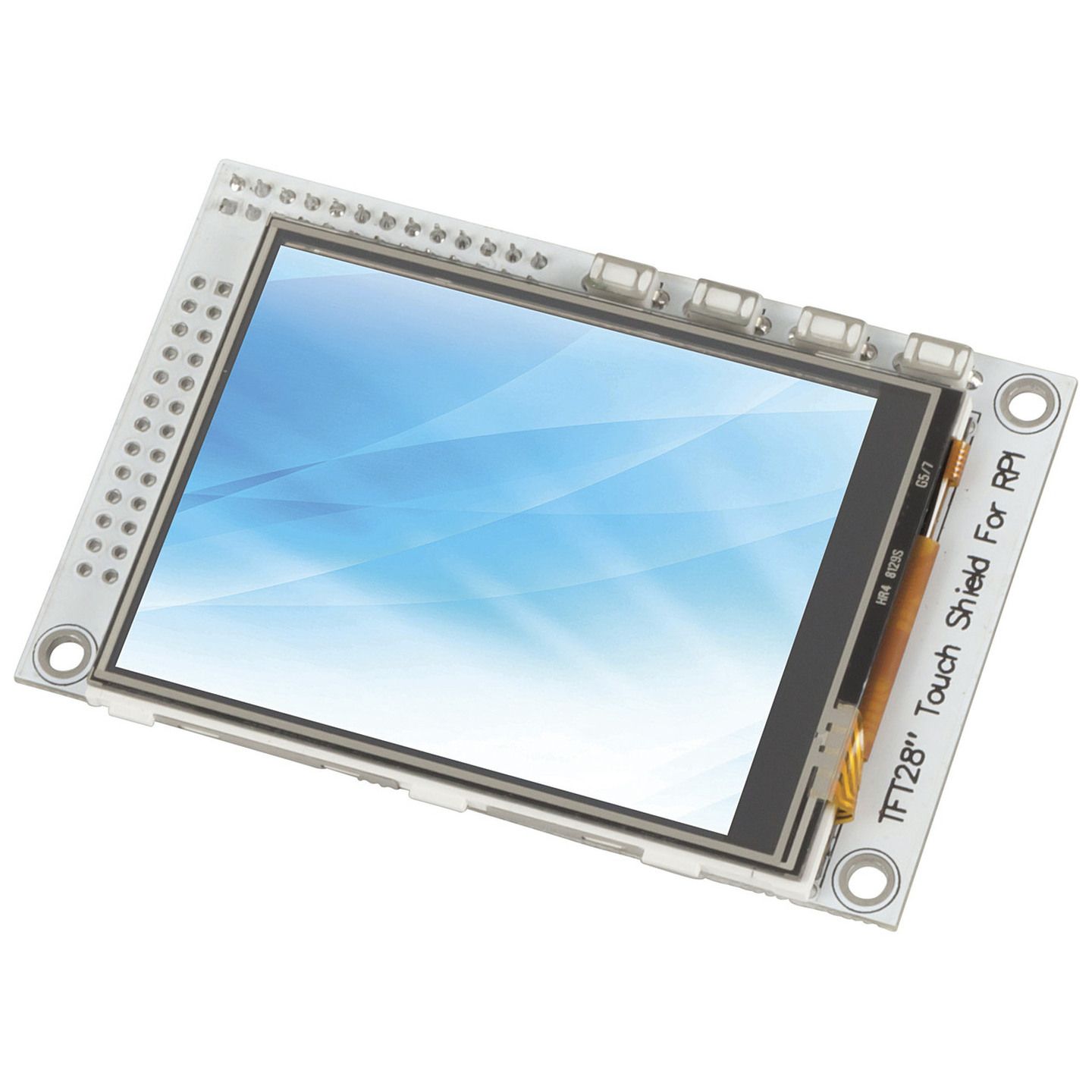


Features:
2.8 Inch Touchscreen for Raspberry Pi
Customer Reviews

3.3
3 reviews
Verified purchases only.
Powered by Bazaarvoice.
Great unit - ignore included instructions
Neat little unit once you get it up and running. The included instructions are invalid for modern versions of Raspberry PI OS (ie Bookwork or Trixie) To get it running on these Debian versions you can use drivers embedded in the kernel and don't need the repo in the included instructions. edit /boot/firmware/config.txt add these dtparam=i2c_arm=on dtparam=spi=on dtoverlay=pitft28-resistive,drm
Not Compatible with Raspberry Pi 4
Bought this module recently to test with my Pi 4. Tried to follow the instructions as per the documentation but it ended up locking my pi into a boot loop. Went and looked into the Github, found out the display drivers only support Raspberry Pi 2 and 3 models. It is not stated anywhere on the jaycar website, box or documentation about this compatibility problem.
Decent tiny screen
If anyone needs help, this adafruit install worked. It uses the same ili9341 drivers. https://learn.adafruit.com/adafruit-pitft-28-inch-resistive-touchscreen-display-raspberry-pi/easy-install-2